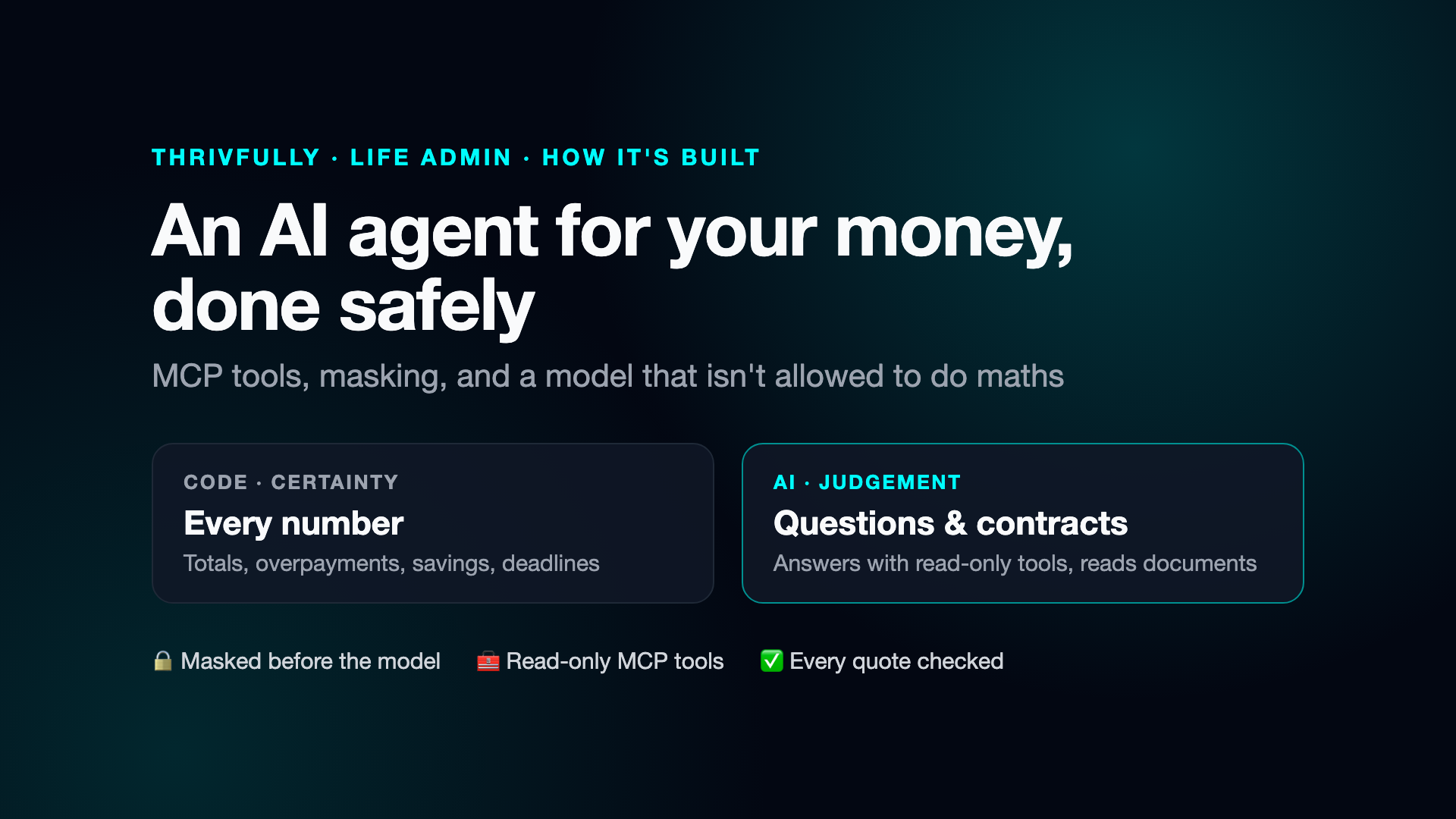
An AI agent for your money, done safely
MCP tools, masking, and a model that isn't allowed to do maths.
Contracts that renew without anyone noticing. A standing order set to weekly instead of monthly. A gym membership still being paid three months after cancelling. Most of us lose money in quiet ways, and the evidence is sitting in our bank statements.
I built Life Admin to find it: a desktop app that checks your contracts, payments and insurance. It's also a project where an AI agent works with real personal data. This article is about how to do that without giving up privacy or accuracy.
Why an agent here
In my job-search app, every AI task is fixed, so plain code decides what to send and the AI just writes. Life Admin is different. People ask open questions: "Am I paying anything twice?", "Why was October higher?", "When can I cancel my phone contract?". The app can't know in advance which data an answer needs.
So here Claude acts as an agent: it decides which tools to call, reads the results, and writes the answer. Anthropic's guidance on workflows and agents draws exactly this line: use an agent when the steps can't be known in advance.
Tools through MCP, read-only
The tools are offered through the Model Context Protocol (MCP), an open standard for giving AI models tools. A small MCP server exposes seven of them: expenses, contract terms, a spending summary, payment issues, untracked recurring payments, a month summary, and switching options.
Three rules shape them:
- Read-only. The agent can look things up; it can't change or delete anything. A model can only misuse what it's been given.
- No network. The server runs as a small program next to the app and talks through its input and output streams (stdio). There's no port for anything else to reach.
- Narrow and clearly described. The model only knows what the tool descriptions say, so each tool does one thing.
And because trust needs visibility, the app has a built-in MCP Inspector: a tab that shows the raw messages between the agent and its tools. You can see exactly what was asked and what came back.
Mask before the model
Everything a tool returns is sent to the model provider. So it's masked on your computer first: IBANs become [IBAN …3000] (the last four digits let you still tell accounts apart), and card numbers, emails, phone numbers, customer and contract numbers, birth dates, and any words on your own privacy list are replaced with placeholders.
Documents follow the same rule. For PDFs with a text layer, the text is extracted locally with pdf.js, masked, and shown to you before it's sent. Scans have no text to mask, so they're sent as images, only with your consent.
The model isn't allowed to do maths
Language models are unreliable at adding up long lists, and they'll confidently estimate what they can't know: "you could save €200 by switching". In personal finance, a wrong number is worse than none.
So every number is computed in code: totals, overpayments, cancel-by dates, savings rate, the cost of each offer. The agent's instructions say: take every figure from the tools, never add up, subtract or multiply amounts yourself, never estimate savings or name other providers, because you can't see current prices. If the data doesn't contain the answer, say so.
The same goes for links. Comparison and cancellation links come from a fixed list of sites (such as the Verbraucherzentrale), each checked to load. The model can't invent a URL.
Reading contracts: trust, but check
Reading a contract is a fixed task, so it's a single request with structured output: the answer must follow a fixed format (dates, amounts, notice period).
For each value, Claude also returns the clause it read it from, word for word. The app checks every quote against the document's own text, kept unmasked only on your computer, and marks it as checked or not. An invented or altered quote stands out immediately.
Nothing is saved automatically: every import is shown for review, and only your Save writes to your data.
Comparing offers without affiliate links
Comparison sites in Germany have no public API, and their partner programmes pay commission, which I didn't want. Instead you upload a screenshot or PDF of a comparison result, or let Claude run a bounded web search: at most six searches and six pages, located in Germany, each page capped in length to bound the cost. Claude only reads what each offer states; code computes the totals and the saving against your current contract.
For insurance offers, there's a check with no AI at all. German law requires insurers to state their costs (§ 2 VVG-InfoV), and the app turns those figures into plain numbers with simple arithmetic.
Costs you can see, paid once
Every button that calls Claude shows its estimated cost. Answers are saved under a fingerprint of everything that shapes them (the file, the options, your privacy list, the model), so the same question about the same document is never paid for twice.
What I'd tell anyone building an agent
- Use an agent only where the questions are open. Fixed tasks are cheaper and more predictable as single requests.
- Give it read-only tools, and as few as it needs.
- Mask before the model, and show users what will be sent.
- Let code do the arithmetic and the links; let the model explain.
- Check what the model claims against the source, automatically.
- Make it visible: costs per click, and the raw tool traffic for anyone who wants to look.
Life Admin is in early access. You can find it at thrivfully.com.
Try Life Admin
Life Admin is in early access. Your data stays on your computer, and there's no commission on anything you choose.
Join early access